Dinner · 20 min · Amounts not specified
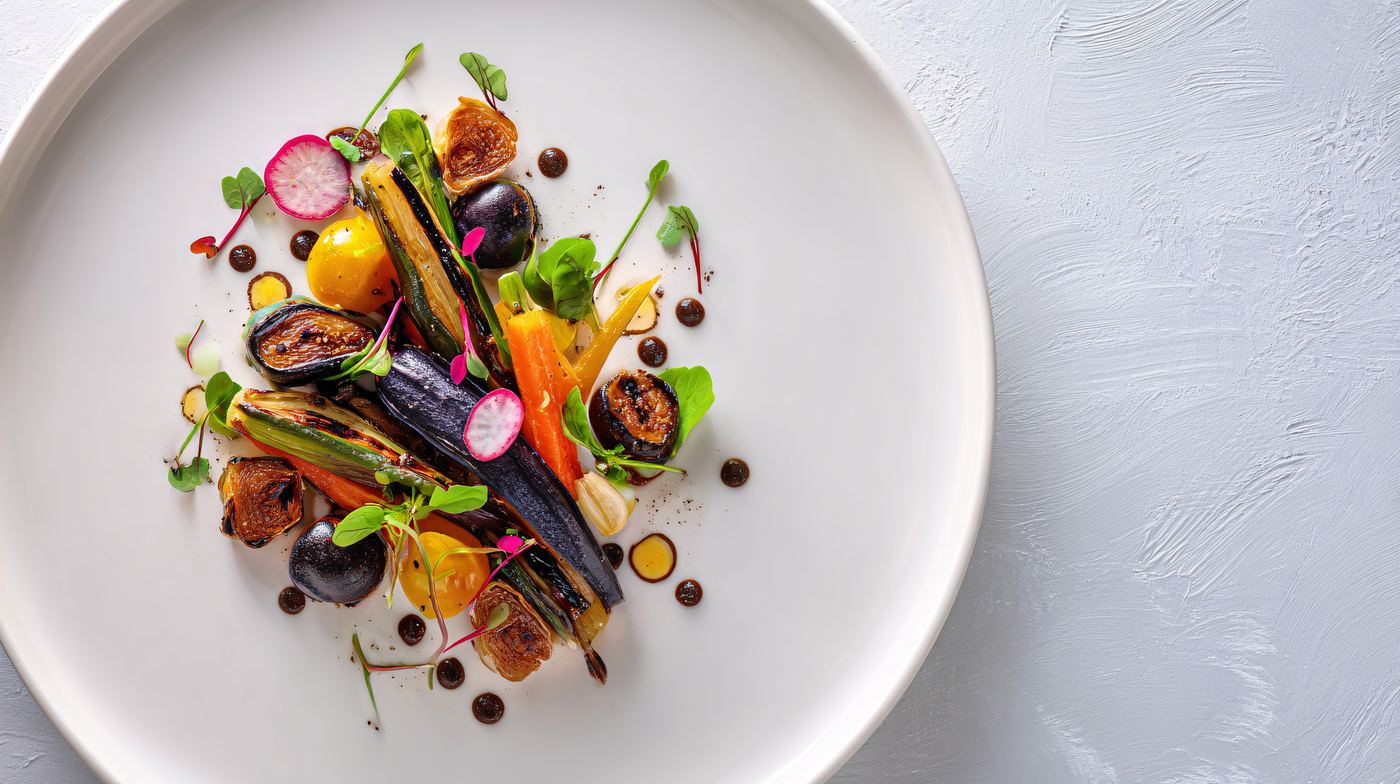
Roast vegetable hash
Yesterday's roast veg, a potato, a hot pan. Eggs on top. Hash is a leftover strategy.
The sheet · 2 plates · 20 min
easyWhy tonight. Yesterday's roast veg, a potato, a hot pan. Eggs on top. Hash is a leftover strategy.
What it needs
Nothing confirmed on your shelf yet — this list is the whole ask.
- roasted vegetables
- potato
- onion
- eggs
Good if you have them, fine if you do not: hot sauce.
Method
- Cold roasted vegetables are better here than fresh ones — they are already seasoned and already dry, which is most of the work.
- Potato into hot fat first, in one layer, left alone until crusted. The roasted vegetables go in only at the end; they will fall apart if you cook them twice.
- Wells, eggs, lid for a minute.
- Something sharp over the top. Yesterday's vegetables taste of yesterday until acid arrives.
Technique coach
What the method is trying to make happen
Sequence, correction, heat and texture, equipment workarounds, scaling, and component reuse are available with this cook sheet.
An educational plan from a curated corpus. Not a nutrition, allergen, or doneness guarantee.
Cook or pour it, then edit the shelf if you emptied a bottle or used the last of something.
Going wrong while you cook it? Say what it is doing and the triage will tell you what is happening, the smallest move, and the instinct to resist.
Watch the technique behind this one
Third-party video. Opens in a new tab — nothing is embedded and nothing is fetched from a video platform until you click.
Reviewed video matched to this method, not to the cuisine. Opens in a new tab.
- Eggs and custardEggs Part 2 | Basics with BabishBinging with BabishOmelets and poaching, with the failure modes shown rather than described.Link checked 2026-09-08
- Eggs and custardScrambled Egg Omelet - Food WishesFood WishesScramble against omelet on the same stove, which makes the heat-and-stirring tradeoff visible.Link checked 2026-09-08
- Eggs and custardTruly Foolproof Poached EggsJ. Kenji López-AltPoaching without the wispy strands. The trick is what happens before the egg reaches the water.Link checked 2026-09-08
Why each of these is on the list
What the ingredients are actually doing
- roasted vegetables
- Last night's tray, which is an ingredient in its own right.
- potato
- Waxy holds its shape, floury falls apart, and almost every potato complaint is the wrong one for the job.
- onion
- The base under most of this library.
- eggs
- The cheapest way to turn a side dish into dinner.
Missing one of them? The substitutions are written against those jobs rather than against a chart, so they say what each replacement costs this dish in particular.
Cooks from the same box
If you bought for this, you can already make these
Shares potato, onion, eggs
Bubble and squeak
Yesterday's cabbage and mash, hot pan, a crust. Eggs on top. The squeak is the cabbage.
Shares potato, onion, eggs
Leftover beef hash
Crisp potatoes, leftover beef last.
Shares eggs, roasted vegetables, onion
Leftover roast frittata
The point of last night's tray.
Shares potato, eggs, onion
Potato hash with eggs
Uses the potatoes before they sprout. Cube small, don't crowd, a crust, then eggs. Cheddar if it is there.
Next
Cook it, then tell the shelf what you used.
The ranking is only as honest as the shelf behind it. Empty the cream, and everything that leaned on cream should stop being offered.