On this phone

The bar under the name is the map. Swipe it sideways if a destination sits off-screen. On Tonight, the button pinned to the bottom cooks the lead dish.

  1. TonightWhat you can cook first, plus drinks that fit the same shelf.

  2. This weekFive dinners from the shelf, urgent things cooked first.

  3. ShelfEdit what you actually own.

  4. Written methodsEvery dish and drink with a method somebody wrote out.

  5. The pantryStart from one ingredient: what it does, and everything built on it.

  6. Out of itWhat to use instead, judged by the job the missing thing was doing.

  7. Photo reviewReview a demo shelf photo and confirm every item before adding it.

  8. Flavor LabPairings with a track record: classic matches and the mixology behind them.

  9. Wild cardsCombinations with no tradition behind them, only shared aroma notes.

  10. Send to Occasion OSPrepare confirmed shelf availability for Occasion OS.

  11. The fieldThe gap this layer owns.

Keep it on the home screen

  1. iPhone — tap Share, then Add to Home Screen.
  2. Android — open the browser menu, then Install app or Add to Home screen.

After that it opens as Kitchen & Bar, not a browser tab. Inventory stays on this device.

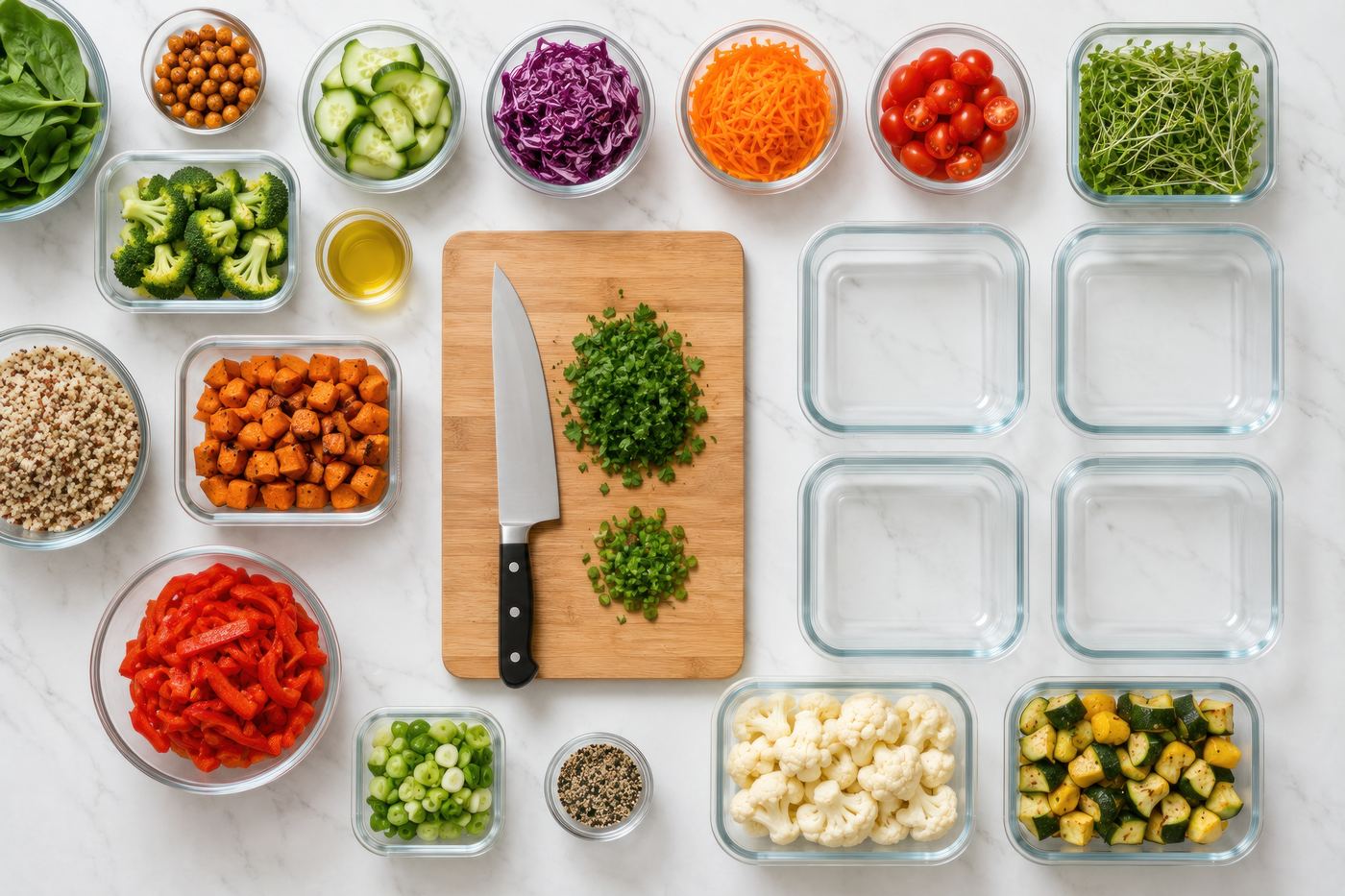
Organised meal-prep containers of vegetables, grains, and proteins

The week

What are we eating this week?

Five dinners the shelf can already carry, with whatever is closest to turning cooked first. Move a night if it lands wrong.

Reading the shelf…