Shelf
What you actually own. You confirm before it is truth.
The starter pantry stays off this shelf until you ask for it. Everything you add stays on this device — nothing here is on a server. Save a copy to move it to another one.
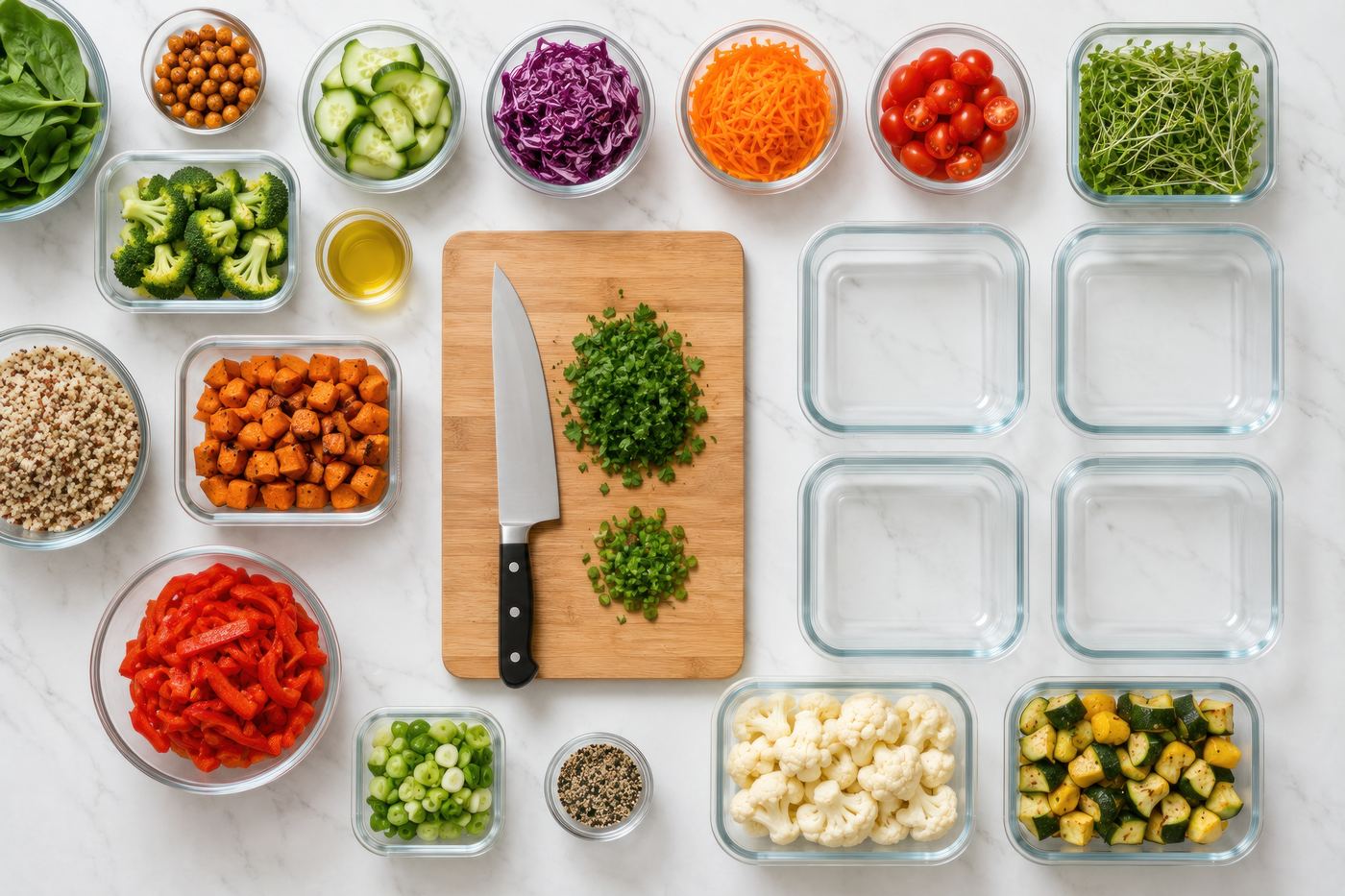
Organised meal-prep containers of vegetables, grains, and proteins
Fast shelf entry
Recognize what came home. Do not stocktake.
Paste a shopping list, tap something you buy repeatedly, or reconfirm the few rows Kitchen has started to doubt. The full inventory form is still there for the package date or quantity that is actually worth recording.
Move it, or keep it
Save a copy of this kitchen
Your shelf, your named shelves, this week’s plan and what was left over, in one file you hold. Nothing here is on a server. Open the file on another device and this kitchen is there.
Named shelves
Save a snapshot on this device. Duplicate before a party. Restore without signing in.
No named shelves yet.
This device
Reading the shelf.
Nothing has left the kitchen. This is the record on this device coming back.